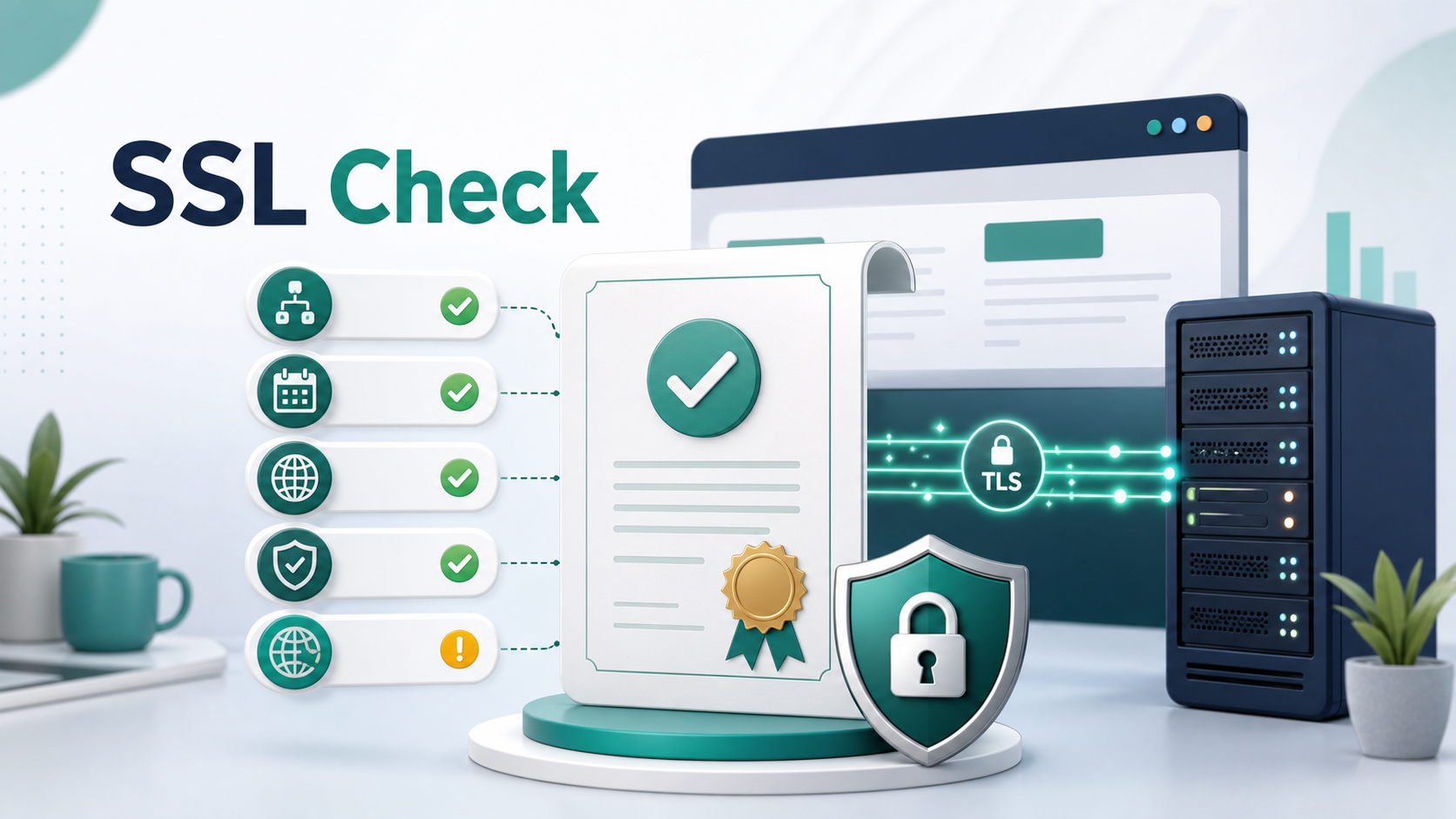
An SSL check reviews the HTTPS security configuration of a website. Although people still commonly say "SSL certificate," modern secure websites normally use TLS. In everyday tools and articles, SSL, TLS, HTTPS, and certificate checks are often discussed together because they all describe the same secure connection layer from a website owner's point of view.
For website owners, an SSL check answers a practical question: can visitors open https://example.com without certificate warnings, trust errors, expired certificates, or regional HTTPS failures?
Use AccessTest SSL by Region to check HTTPS certificates and TLS connectivity from multiple locations:
https://www.accesstest.net/tools/ssl-by-region/
What does an SSL check inspect?
A complete SSL check usually reviews several layers:
- Whether the certificate is valid.
- Whether the certificate matches the hostname.
- Whether the certificate is expired or close to expiration.
- Whether the certificate chain is complete.
- Whether the certificate authority is trusted by common clients.
- Which TLS versions and cipher suites the server supports.
- Whether old protocols or weak settings are still enabled.
- Whether the HTTPS handshake succeeds and how long it takes.
- Whether results are consistent across regions and network paths.
When a browser visits an HTTPS website, it does not only look for the presence of a certificate file. It validates the certificate, hostname, trust chain, and connection settings. A mistake in any of those layers can produce browser warnings, "not secure" messages, or failed connections.
SSL, TLS, and HTTPS
SSL is the older name for the security protocol. It was later replaced by TLS. SSL 2.0 and SSL 3.0 should no longer be used. Modern HTTPS connections normally rely on TLS 1.2 or TLS 1.3.
HTTPS can be understood as HTTP over TLS. TLS creates the encrypted channel between the browser and the server. HTTPS then uses that secure channel to send pages, API responses, login data, checkout details, and other content.
So when you run an SSL check, the real question is whether your TLS and certificate setup is healthy. The name "SSL check" simply remains the familiar term used by many teams and tools.
Certificate expiration
One of the most common SSL check findings is an expired certificate or a certificate that is about to expire.
After a certificate expires, browsers will usually block or warn visitors before they continue. Search engines, ad platforms, payment callbacks, API integrations, monitoring systems, and mobile apps can also be affected. This kind of outage is not always caused by a complex security incident. Often it happens because automatic renewal failed, DNS validation broke, a deployment missed the new certificate, or one server still has an old certificate installed.
When checking certificate dates, pay attention to:
- The certificate's start date and expiration date.
- Whether automatic renewal is actually working.
- Whether renewed certificates have been deployed to every server and CDN edge.
- Whether the root domain,
www, and API subdomains are all covered. - Whether backup routes, overseas nodes, or old load balancers are still using old certificates.
If a certificate expires in the next 7 to 14 days, investigate the renewal process immediately instead of waiting until the final day.
Hostname matching
A certificate must match the hostname the user is visiting. For example, if users open https://www.example.com, the certificate must cover www.example.com. If the certificate only covers example.com, the browser may show an error.
Common hostname problems include:
- The certificate covers the root domain but not
www. - The certificate covers
wwwbut not the root domain. - API, admin, image, or asset subdomains are missing.
- A wildcard certificate is misunderstood, such as assuming
*.example.comalso coversexample.com. - A CDN or reverse proxy is configured with the wrong certificate.
- A multi-tenant service returns a default certificate for the wrong customer domain.
If your website uses both the root domain and www, check both hostnames separately. Many HTTPS issues appear on only one of them.
Certificate chains
A website server usually does not send only the site certificate. It also needs to send intermediate certificates so the client can build a trusted path to a root certificate. This path is called the certificate chain.
When the chain is incomplete, your own computer may still load the site successfully because the browser or operating system has cached the missing intermediate certificate. Other users, new devices, mobile clients, server-side scripts, search engine crawlers, or overseas nodes may fail.
An SSL check can reveal:
- Missing intermediate certificates.
- Certificates sent in the wrong order.
- An outdated or untrusted chain.
- Different nodes serving different chains.
- A mismatch between CDN edge certificates and origin certificates.
Certificate chain problems are often inconsistent. If only some users, regions, or devices report certificate errors, the chain is one of the first things to inspect.
TLS versions and cipher suites
Beyond the certificate itself, an SSL check also reviews the TLS versions and cipher suites supported by the server.
Modern public websites should generally support TLS 1.2 and TLS 1.3. Old SSL versions and early TLS versions have known security risks and should not remain enabled. Cipher suites should avoid weak algorithms and prioritize combinations supported by current browsers and operating systems.
TLS configuration is a balance between security and compatibility. If you remove too much compatibility, some older devices may fail. If you keep too many old protocols, you increase security risk. Public websites should follow a mainstream security baseline and review it regularly.
HTTPS handshake failures are not always certificate problems
Some SSL check errors look like certificate problems but are actually caused by DNS, routing, CDN, or server configuration.
Common causes include:
- DNS points to the wrong server.
- IPv6 is enabled, but the IPv6 destination has the wrong certificate.
- The CDN edge cannot reach the origin correctly.
- A load balancer has the certificate installed on only some nodes.
- A firewall, WAF, or security rule blocks the TLS handshake.
- SNI is misconfigured, so the server returns the wrong certificate for the hostname.
- HTTP-to-HTTPS redirects are too long or redirect to another hostname with a mismatched certificate.
This is why HTTPS troubleshooting should not stop at certificate details. You should also check DNS records, URL status codes, redirect chains, response time, and regional differences.
Why check SSL from different regions?
Many websites use CDNs, multi-region hosting, overseas acceleration, geo-aware DNS, or several load balancers. A local check from your own laptop does not prove every user gets the same result.
Regional SSL checks can reveal:
- One CDN region is still using an old certificate.
- One network path reaches the wrong origin server.
- IPv4 works but IPv6 fails.
- Overseas nodes have an incomplete certificate chain.
- TLS handshake time is much higher in certain regions.
- DNS answers differ by country or resolver.
If your users are spread across countries or continents, regional SSL checks are much closer to the real user experience than a single local test.
How should website owners read SSL check results?
Use this order when reviewing results:
1. Check whether the connection succeeds. If the TLS handshake fails, verify DNS, port availability, server health, and CDN behavior first. 2. Check whether the certificate is trusted. Focus on the issuer, certificate chain, hostname match, and expiration date. 3. Check certificate coverage. Confirm the root domain, www, APIs, admin panels, and static asset hostnames separately. 4. Review TLS protocol settings. Make sure obsolete SSL and TLS versions are not exposed, while common modern clients are still supported. 5. Compare regions. If only one region fails, investigate CDN routing, DNS answers, peering, and node differences. 6. Combine it with a URL check. If the certificate is valid but the page still fails, inspect status codes, redirects, response time, and server errors.
AccessTest SSL by Region, URL Check, and DNS Lookup work well together:
https://www.accesstest.net/tools/ssl-by-region/
https://www.accesstest.net/tools/url-check/
https://www.accesstest.net/tools/dns-lookup/
Common SSL check errors
Certificate expired
The certificate has expired. Renew and redeploy the certificate, then confirm that every CDN edge, load balancer, and origin server has the updated version.
Hostname mismatch
The certificate does not cover the hostname being visited. Check the Subject Alternative Name, or SAN, list and confirm that the root domain, www, or required subdomain is included.
Incomplete certificate chain
The server is not sending the full intermediate certificate chain. Deploy the full chain according to your certificate authority or hosting provider's instructions.
Self-signed certificate
The server is using a self-signed certificate. This can be acceptable for internal systems, but public websites normally need a certificate issued by a trusted certificate authority.
Old TLS version supported
The server still supports old protocols. Review business compatibility needs and phase out unsafe versions.
Handshake timeout
The TLS handshake timed out. Possible causes include an unreachable server, slow route, firewall block, CDN issue, or a target port that is not responding correctly.
SSL check troubleshooting checklist
Use this checklist after a launch, migration, CDN change, certificate renewal, or user report:
- The root domain and
wwwboth work over HTTPS. - The certificate covers every hostname in active use.
- The certificate is not expired or close to expiration.
- Automatic renewal has monitoring and alerts.
- The certificate chain is complete on mobile clients and overseas nodes.
- CDN, load balancer, and origin certificates are consistent.
- IPv4 and IPv6 both return the correct certificate.
- HTTP-to-HTTPS redirects are short and stable.
- TLS 1.2 and TLS 1.3 work correctly.
- Obsolete SSL/TLS protocols are disabled.
- Regional SSL check results are consistent.
An SSL check is not only for security teams. For website owners, operations teams, developers, support teams, and cross-border businesses, it is a fast way to confirm that the HTTPS foundation is healthy. If certificates fail, visitors may never reach your page at all. If the SSL check is clean, you can move on to DNS, redirects, performance, and application-level troubleshooting with much better evidence.