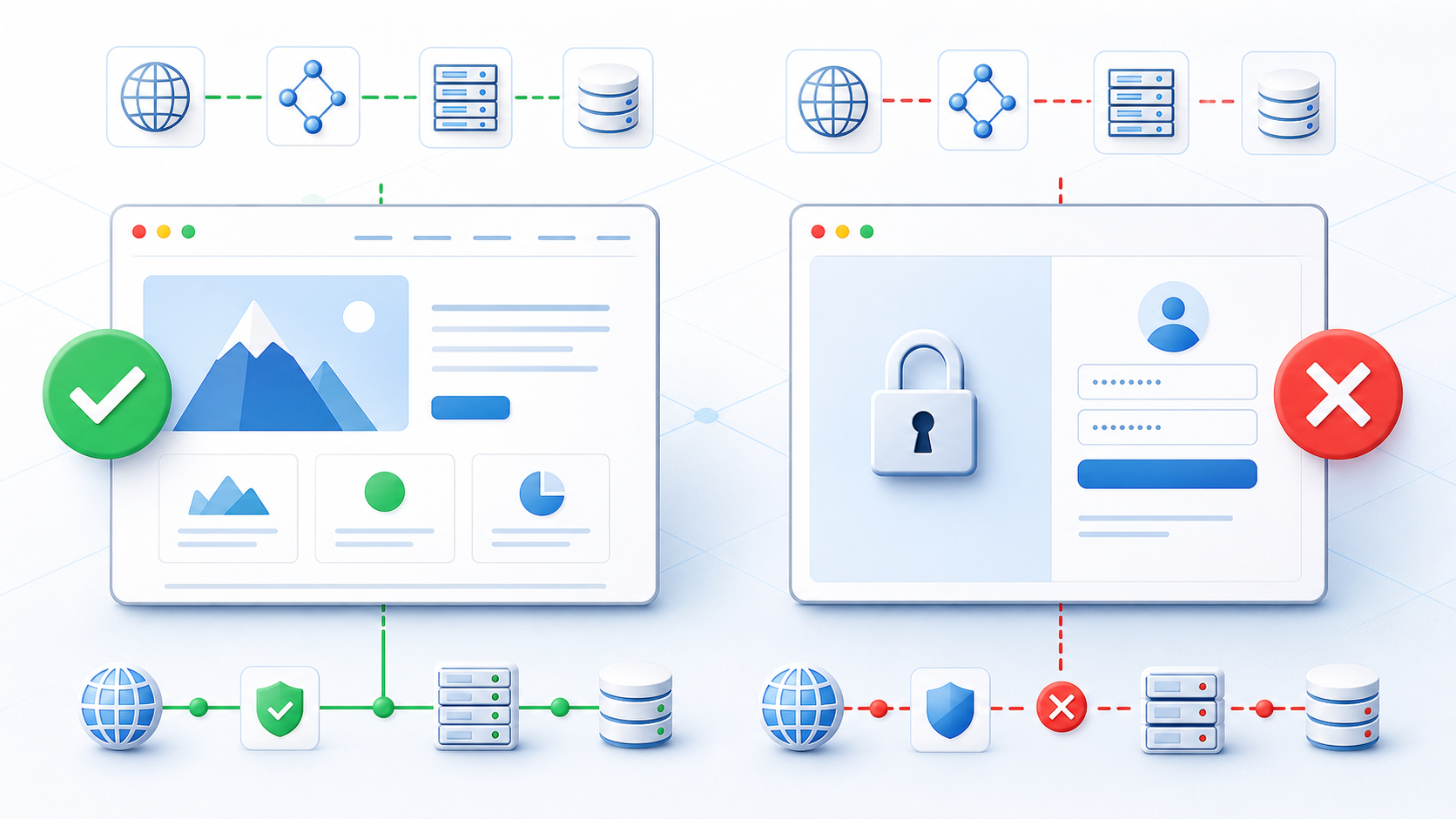
# Why Does the Homepage Work When the Login Page Fails?
Many website owners make the same assumption:
> “The homepage loads, so the website must be working normally.”
In reality, a working homepage does not guarantee that the login, signup, checkout, or API endpoints are working correctly.
A complete website usually includes several critical paths:
- the homepage; - the login page; - the signup flow; - the user dashboard; - the checkout page; and - API endpoints.
These components may depend on different backend services, databases, and network configurations. As a result, you may see situations such as:
- The homepage returns 200, while the login API returns 500. - The signup page opens, but form submission returns 502. - The checkout page keeps loading or redirects unexpectedly. - An API endpoint is unavailable while regular web pages still work. - Users in one region can access the site, while users elsewhere cannot.
Do not check only the homepage
After deploying a website, migrating servers, or releasing a new version, test every critical URL separately:
```text https://your-site.com/ https://your-site.com/login/ https://your-site.com/signup/ https://your-site.com/api/health https://your-site.com/checkout/ ```
Pay attention to:
- HTTP status codes; - response time; - server errors such as 500, 502, and 503; - unexpected redirects; - whether the returned content matches expectations; and - whether results differ by region.
With [AccessTest](https://www.accesstest.net/), you can check website availability from locations such as the United States, Singapore, and Germany. This helps you determine whether an issue is global or limited to a specific region.
Common causes of login and endpoint failures
Common causes include:
- database connection failures; - missing or incorrect environment variables; - a backend service that has stopped running; - incorrect API route or reverse-proxy configuration; - CDN cache problems; - DNS records pointing to the wrong server; - firewall rules blocking users from certain regions; and - failures in third-party login, payment, or messaging services.
If you suspect a DNS issue, use [DNS Lookup](https://www.accesstest.net/tools/dns-lookup/) to inspect A, AAAA, CNAME, and NS records.
To investigate a server IP, network provider, or ASN, use [IP Lookup](https://www.accesstest.net/tools/ip-lookup/).
Test the paths that matter to users
A homepage that loads only proves that one part of the website is working. The paths with the biggest impact on user experience are often login, signup, checkout, and API requests.
After every major deployment or infrastructure change, test all critical URLs, not just the homepage. Combining URL, DNS, and IP checks with AccessTest can help you identify whether the problem is in the application, server, DNS, CDN, or network path.
#WebsiteMonitoring #WebsiteDiagnostics #WebDevelopment #DNS #ServerMonitoring